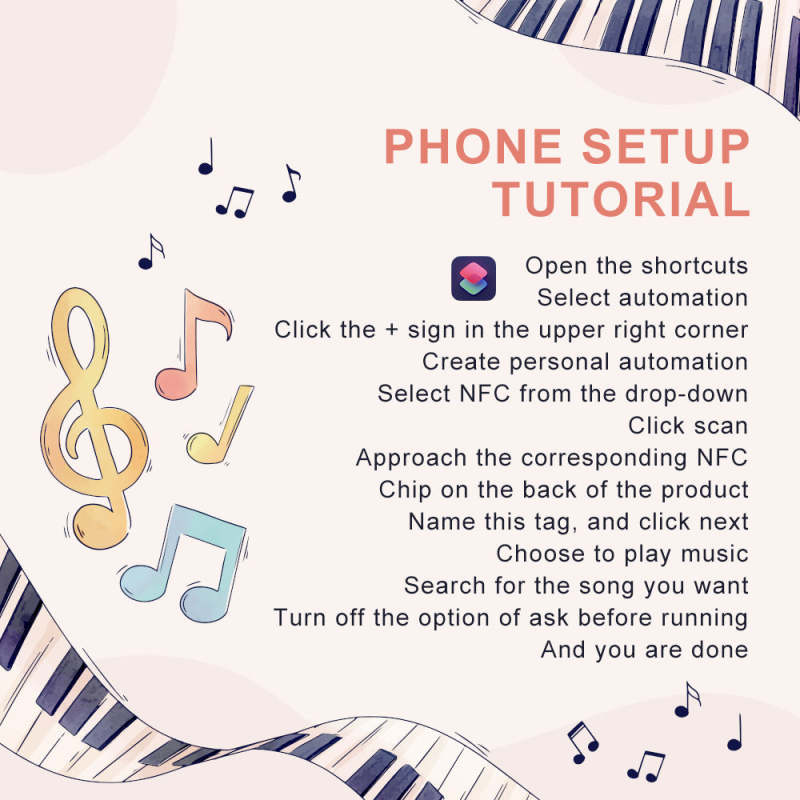
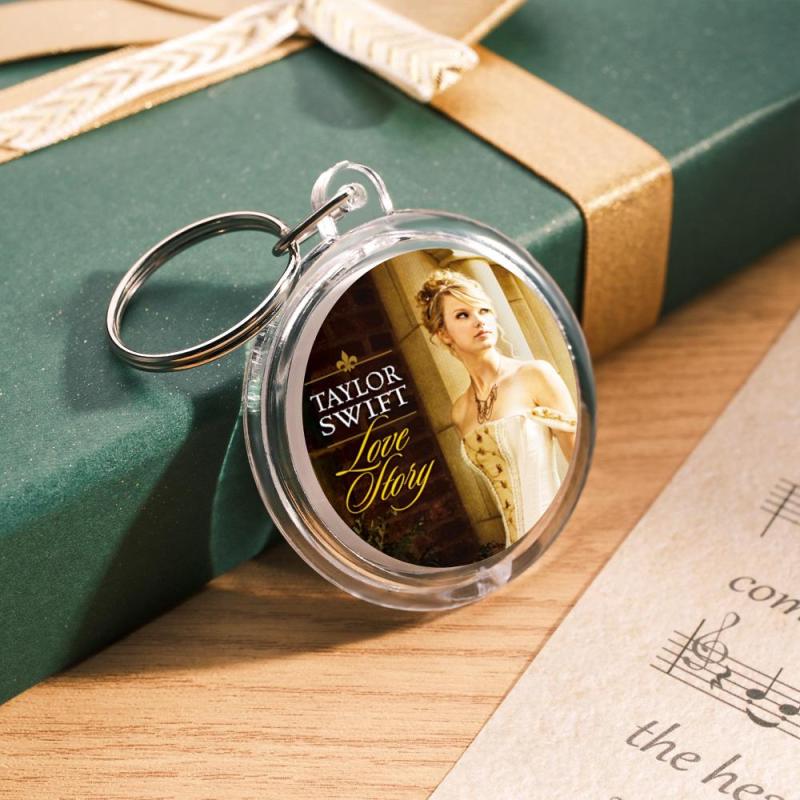
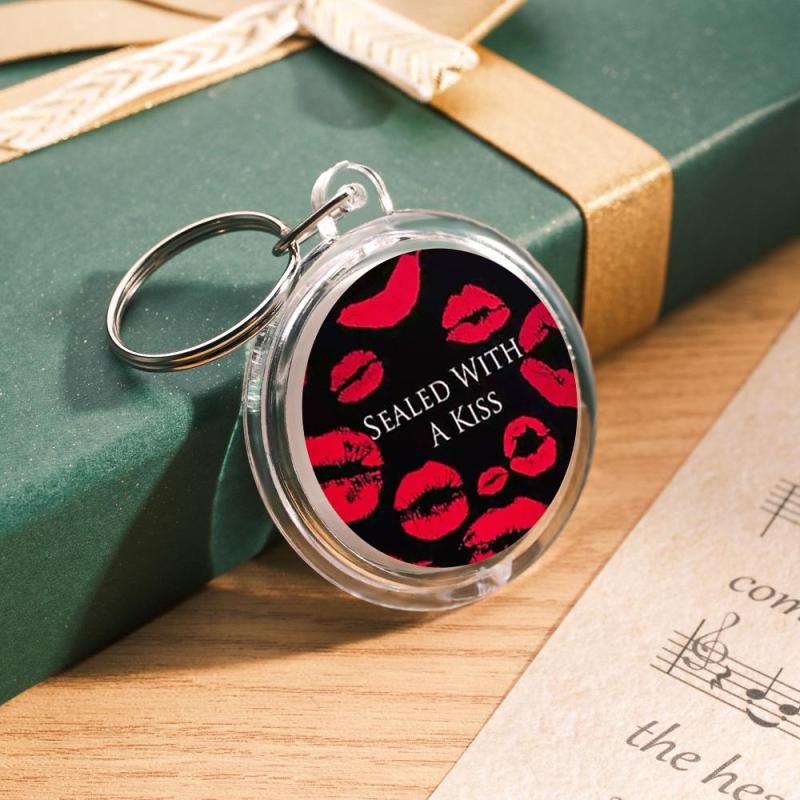
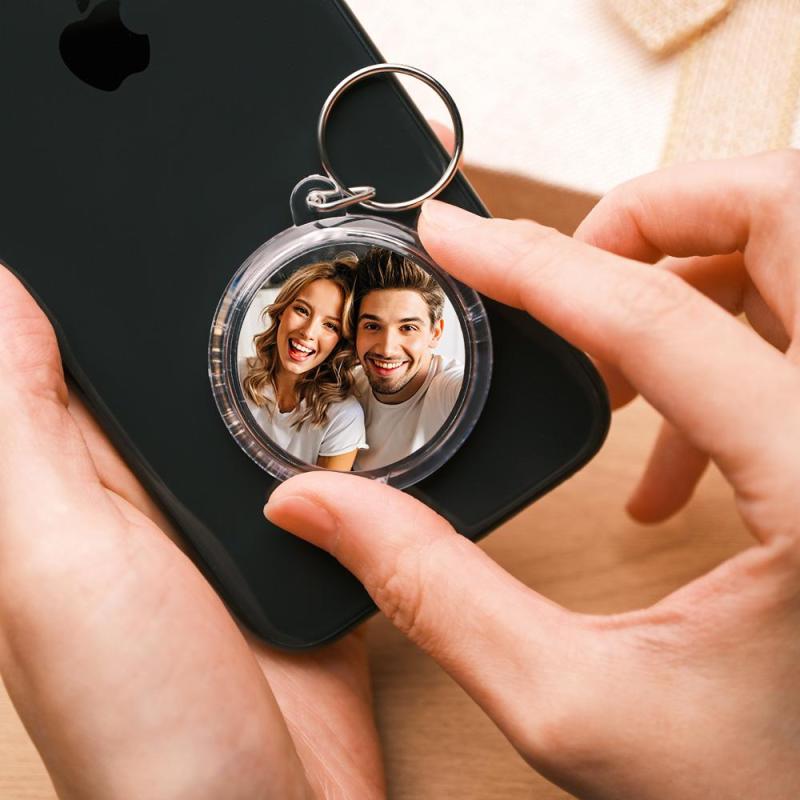


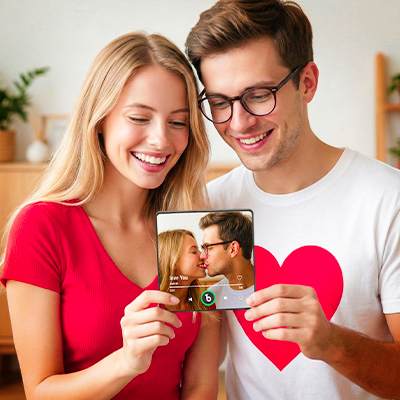
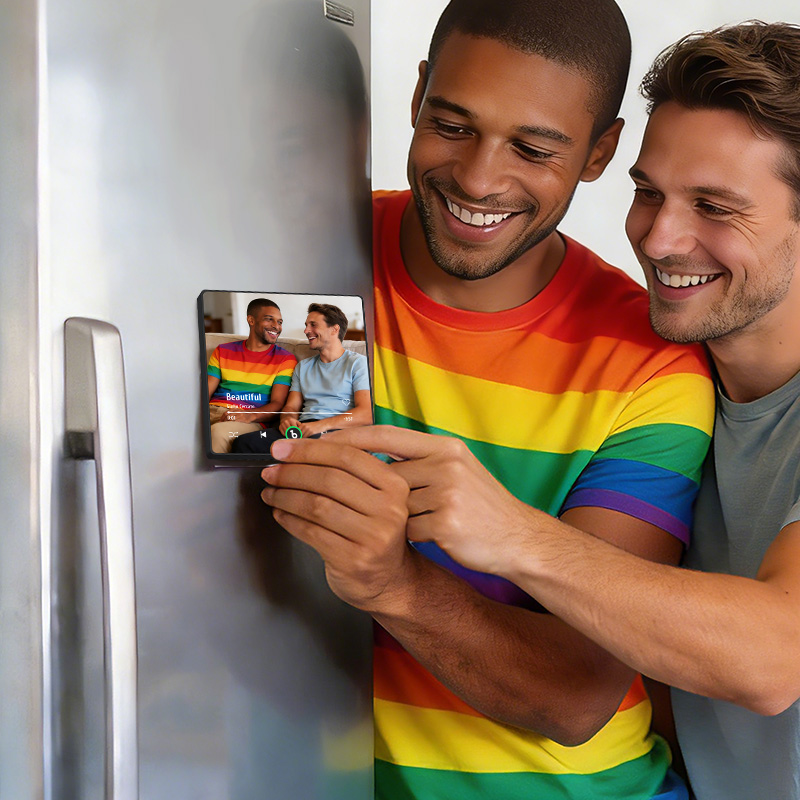
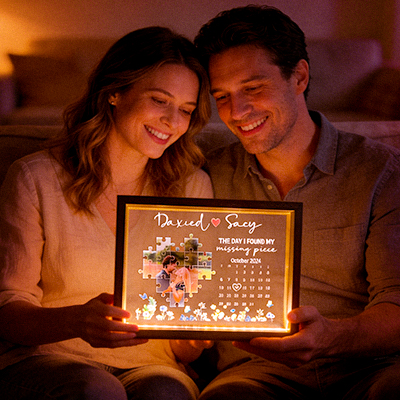
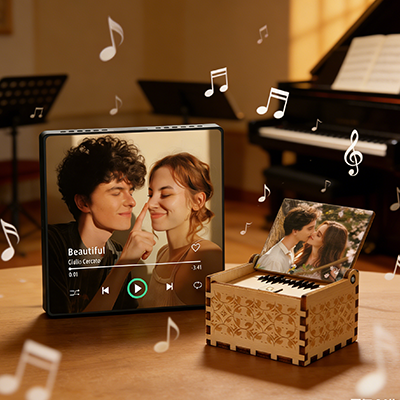
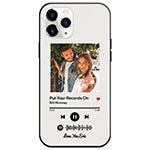
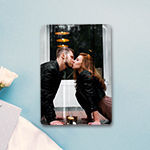
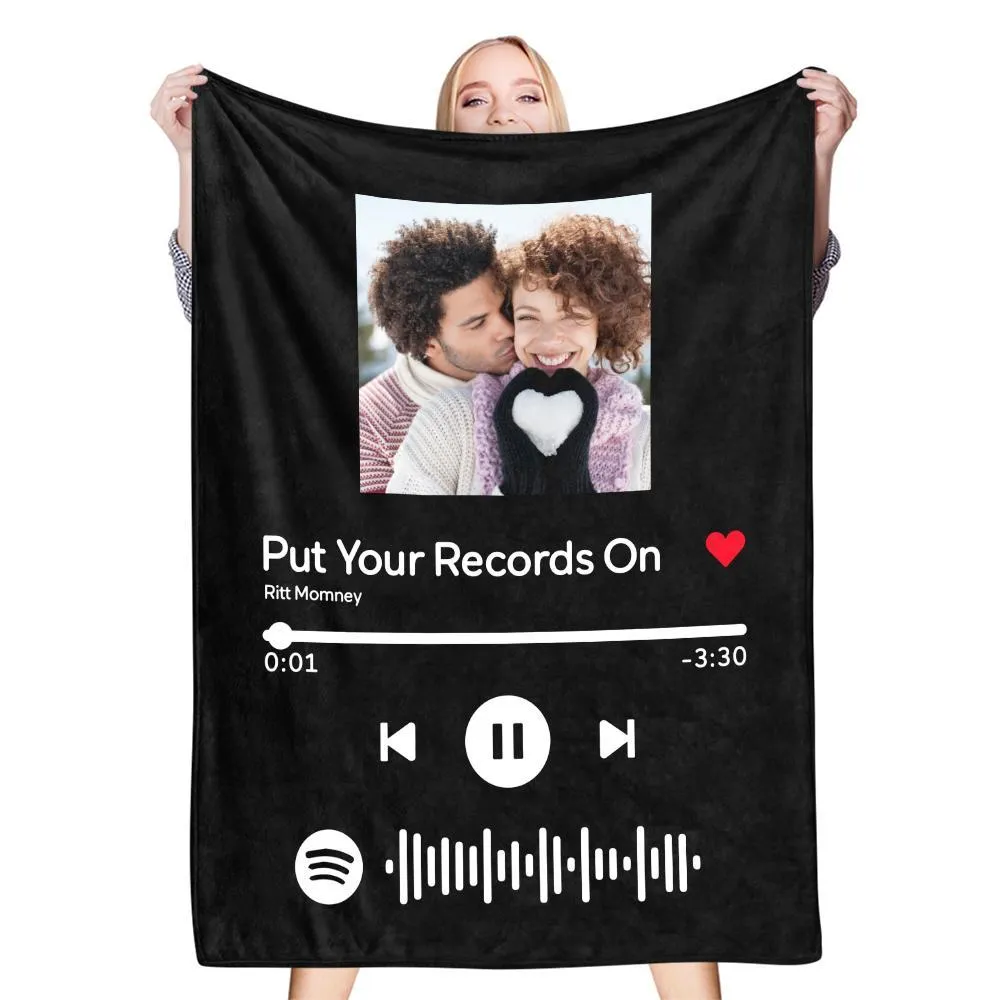
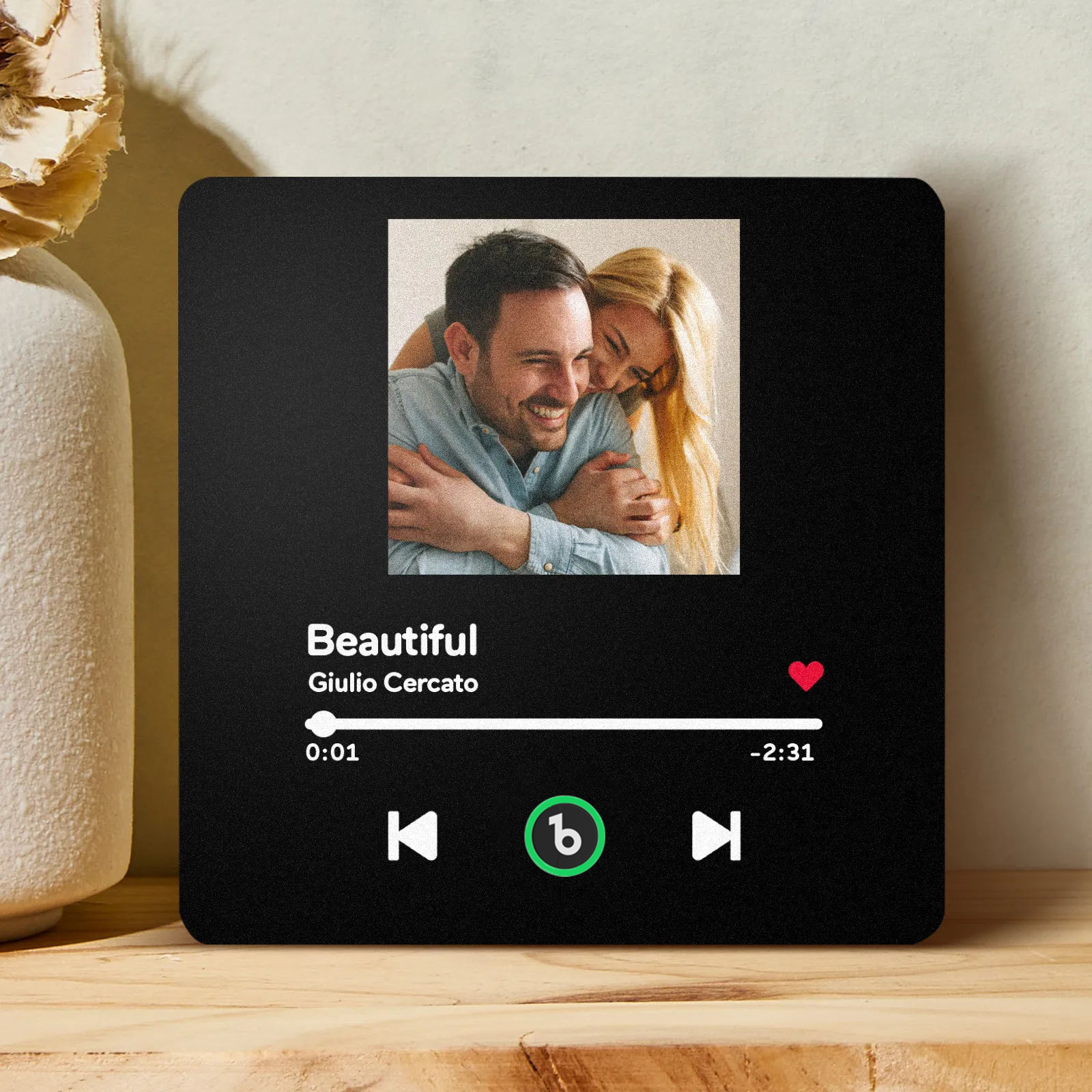
Open the shortcut command, select automation, click the + sign in the upper right corner, create personal automation, select NFC from the drop-down, click scan, approach the corresponding NFC chip on the back of the photo frame, write a title, and click next. Choose to play music, click on music, search for the song you want, turn off the option of consulting before running, and you are done.
orders over AU$90.00

-4-1.webp?w=420&h=420)
-240x.webp?w=240&h=240)


-11-0.webp?w=57&h=57)
-4.webp?w=57&h=57)
-5.webp?w=57&h=57)
-4.webp?w=57&h=57)
-2.webp?w=57&h=57)
-2.webp?w=40&h=40)
.webp?w=40&h=40)







































.png?w=1600&h=1600)












-5.webp?w=104&h=40)

-12.webp?w=241&h=40)